
Intro to PushPilot

2 min read
Introduction #
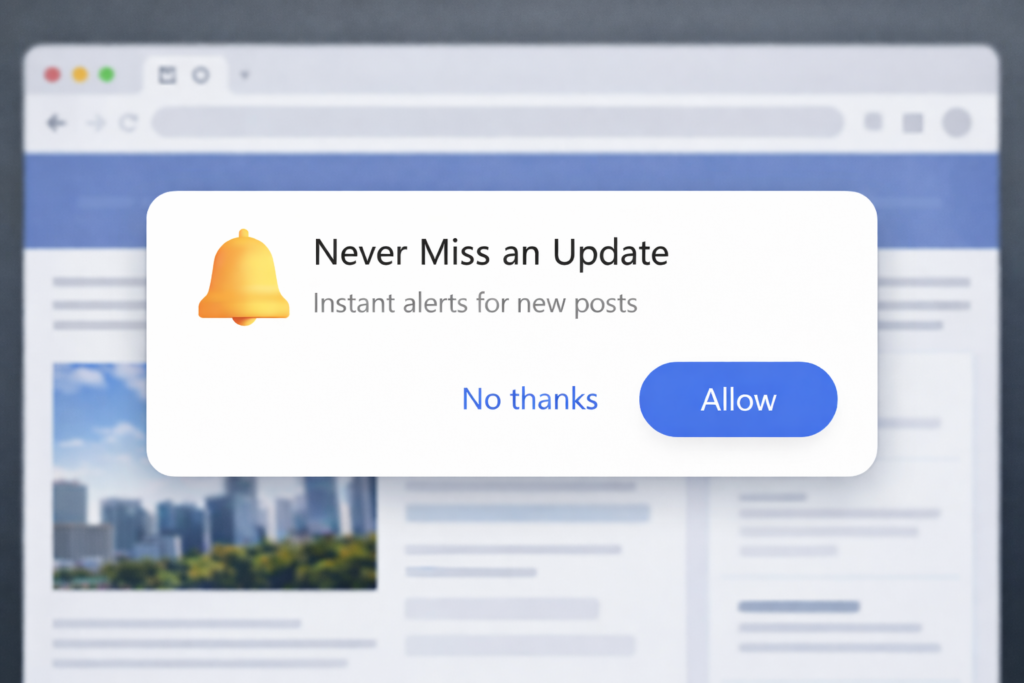
Have you ever visited a website and seen a small pop-up in your browser asking, “Allow notifications”? That’s a push notification prompt and PushPilot lets you do exactly that on your own WordPress website.
What is PushPilot? #
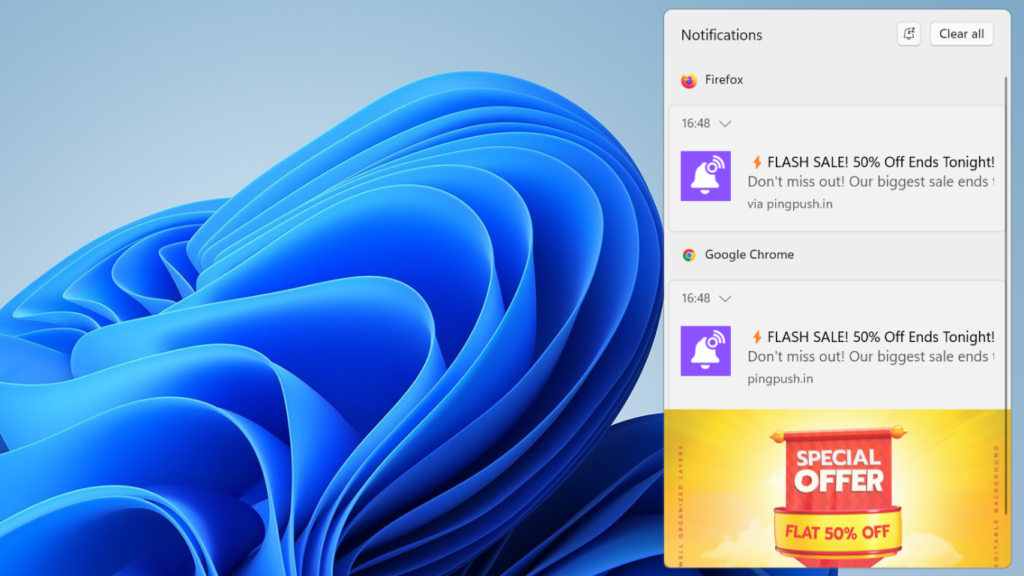
PushPilot is a WordPress plugin that lets you send instant messages directly to your visitors’ browsers, even when they are not on your site.
When a visitor clicks Allow on your notification prompt, they become a subscriber. From that moment, you can reach them anytime with updates, promotions, new blog posts or announcements, delivered as a pop-up directly on their screen, whether they are on desktop or mobile.
No email. No social media. Direct to their browser.
How Does It Work? #
PushPilot has two parts that work together:
- The Console – This is your account portal where you sign up, choose a plan and get your license key. You set this up once and come back when you need to renew or upgrade your plan.
- The WordPress Plugin – This gets installed directly on your website. It connects to your Console license and handles everything: collecting subscribers, sending notifications and showing you analytics.
What Can You Do with It? #
Once set up, PushPilot lets you:
- Automatically notify subscribers every time you publish a new post
- Send manual campaigns for promotions, sales or announcements
- Schedule notifications for the right time
- Target specific groups of subscribers with segments
- Track clicks, delivery rates and subscriber growth with built-in analytics
Who Is It For? #
PushPilot works for any WordPress website owner who wants a direct line to their audience: bloggers, online stores, news sites, service businesses or anyone who publishes content regularly.
If you are tired of relying only on social media or email to reach your audience, push notifications give you one more powerful channel that you own completely.
Ready to Get Started?
Setting up PushPilot takes less than 15 minutes. Our Quick Start Guide walks you through every step, from creating your account to sending your first notification.